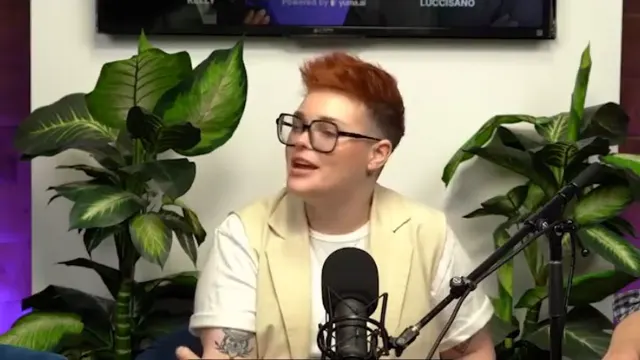
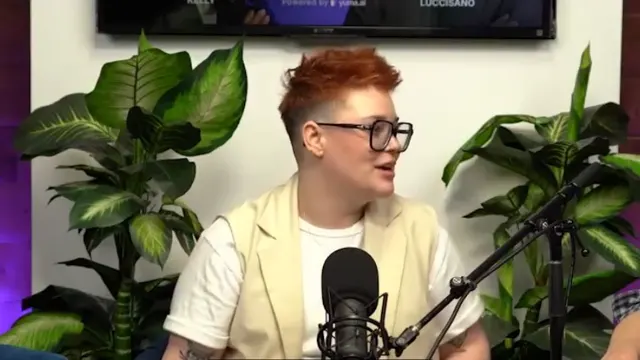
Generate motion graphics
Make this feel like a comic book with motion graphics
Animated titles, lower thirds, and callouts built from a sentence and placed right on your timeline.
Turn raw footage into a polished video that's ready to be posted in minutes by prompting
Drag in your footage, ask for the edit in chat, and Kestroll cuts it, adds stock b-roll, a motion graphic, music, and captions, and publishes the video to Instagram, TikTok, and YouTube.
Talking Head
Make this feel like a comic book with motion graphics
Animated titles, lower thirds, and callouts built from a sentence and placed right on your timeline.
Edit this like the reference I uploaded
Show it a video you love and it matches the pacing, captions, color, and transitions on your footage.
Cover the talking parts with b-roll and add upbeat music
Pulls matching b-roll from your library and scores the cut with music that fits the mood.
Put the captions behind me and type them out as I speak
Word-synced captions in your fonts, colors, and placement, typed out as you speak.
Tighten the pacing in the middle section
Every change lands on a real timeline you can trim, move, and fine-tune by hand.
Connect Kestroll to the assistant you already use, then just talk to your footage.
01
Pick your agent and copy its prompt.
02
It walks you through adding Kestroll as a connector.
03
Your footage is in reach. Edits land in Kestroll, ready to review.
Send any edit to your editor as a timeline you can keep working on.
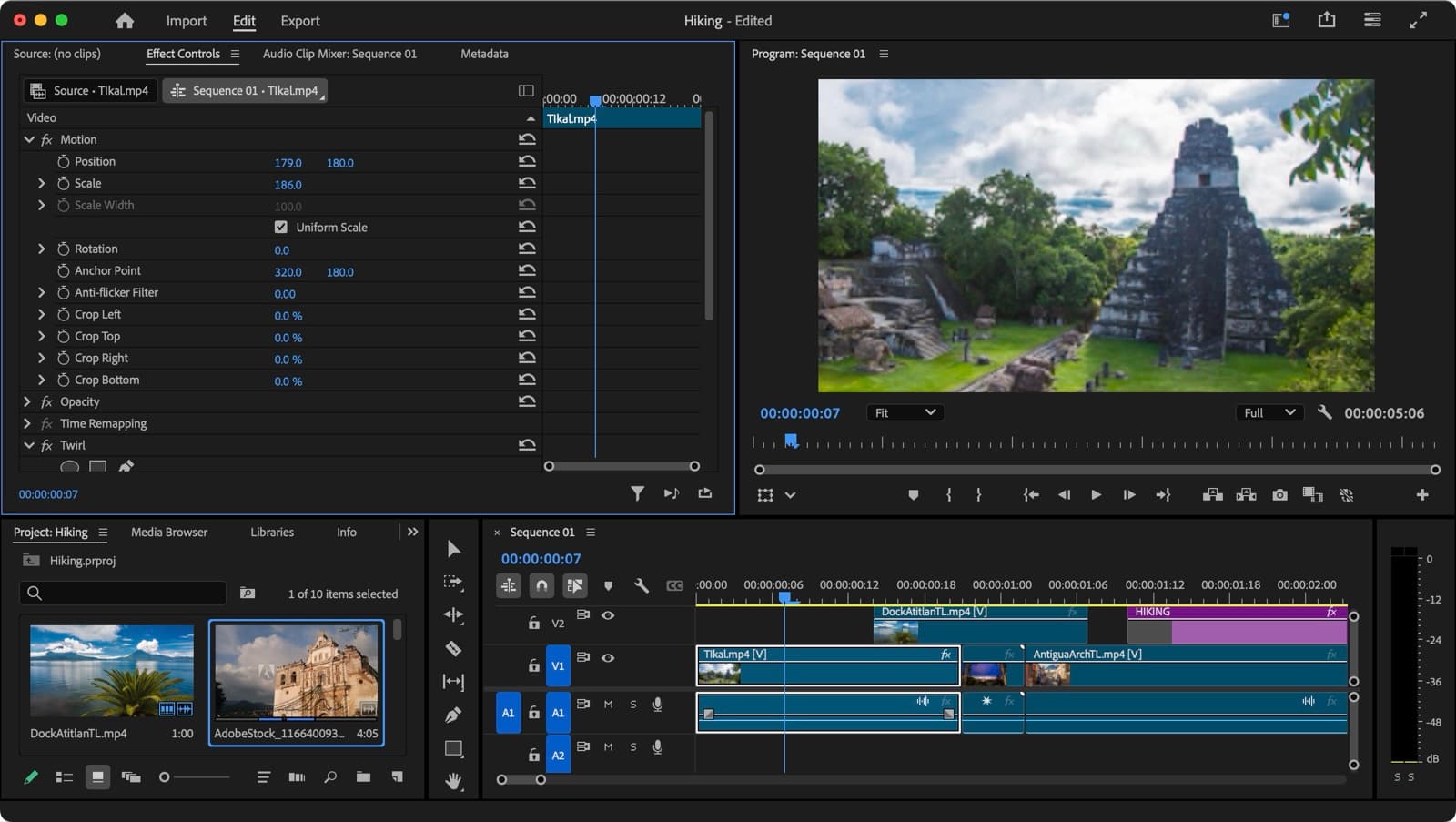

Editable timelines via FCP7 XML
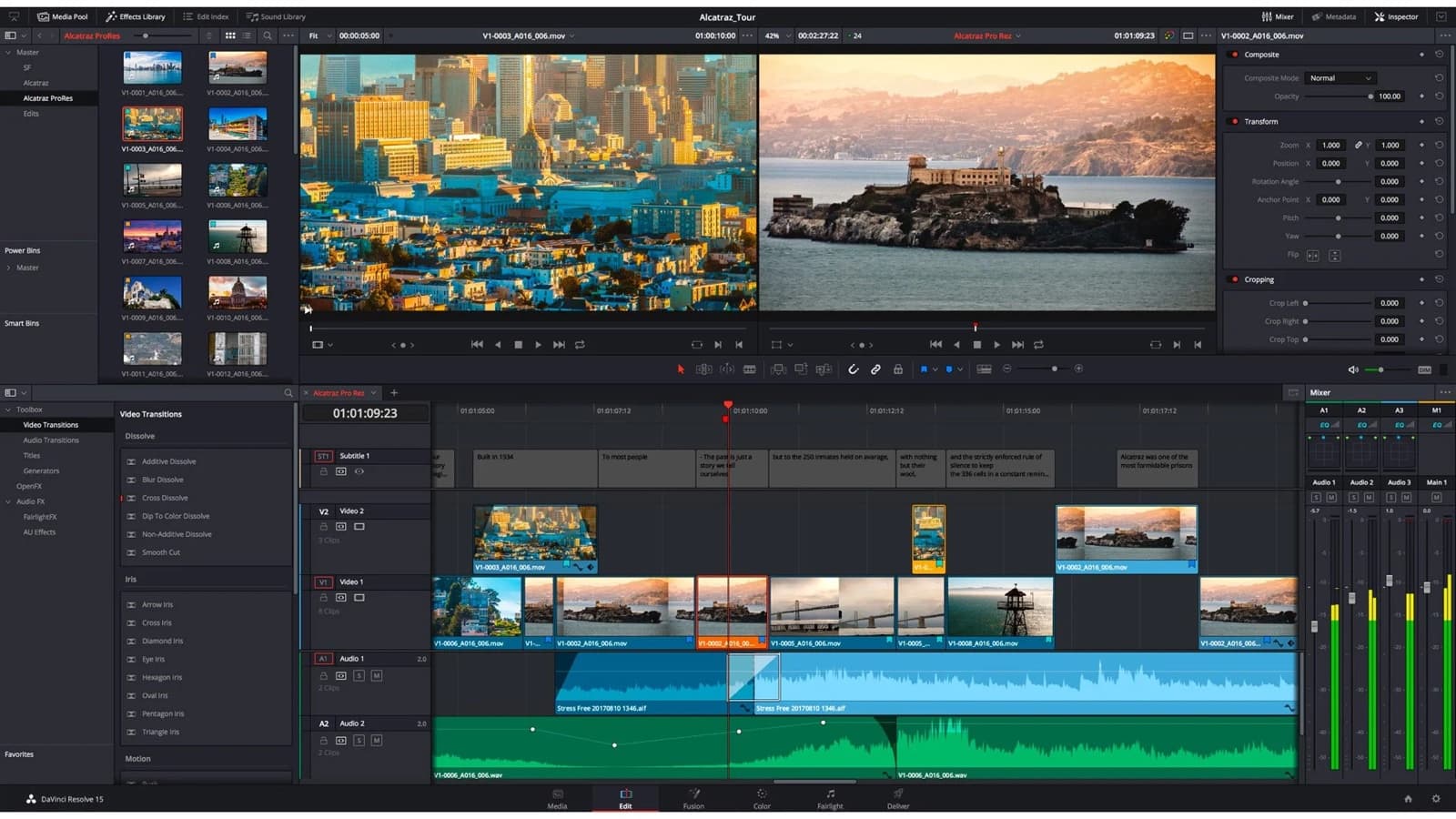

Editable timelines via FCPXML